






How to get started as an installer with smart homes
- Posted on
- By Jetze Wiegerinck
- 0
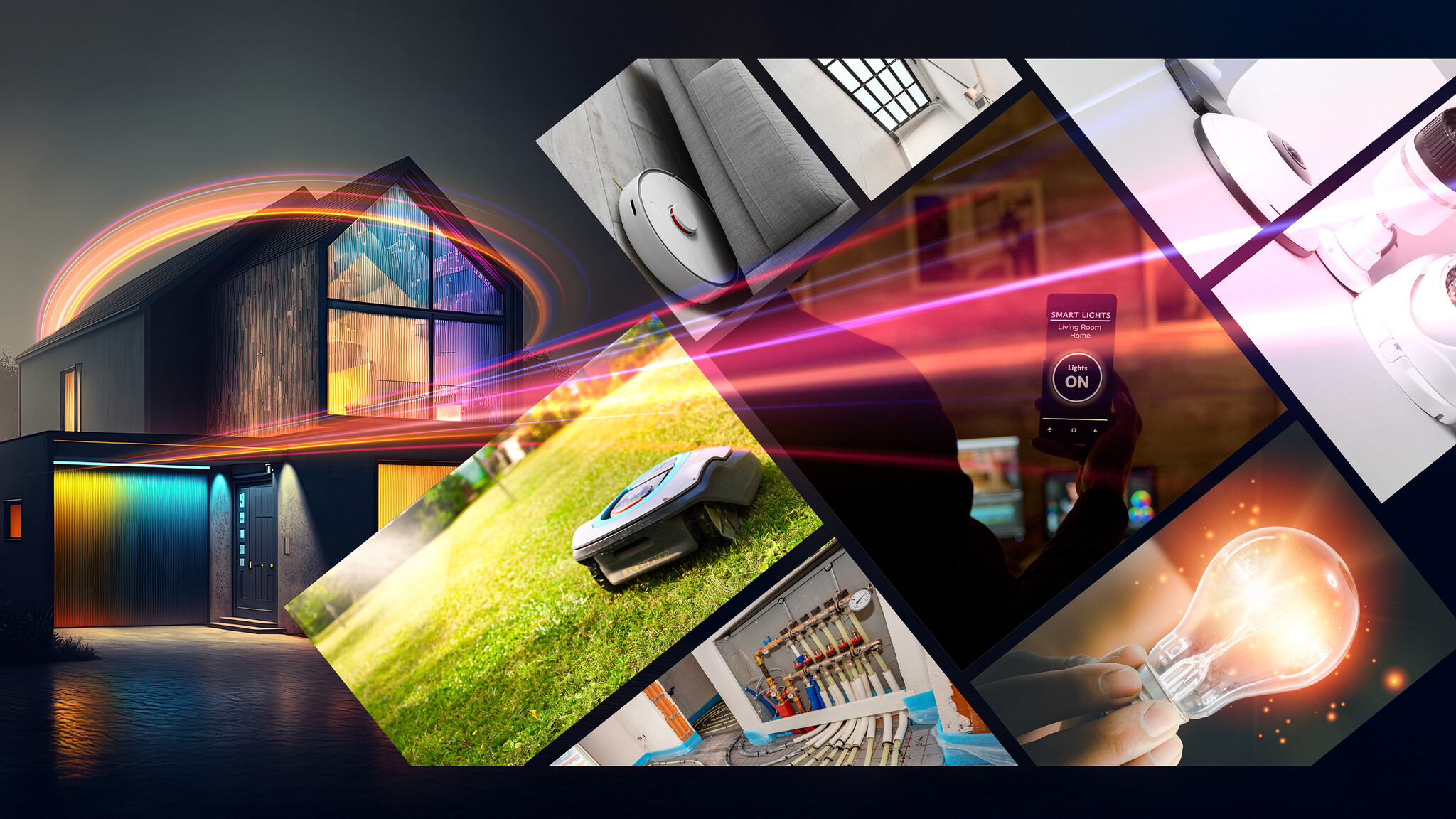
Smart homes are the future, but many installers think that working with smart home products is very complicated. In fact, it's not that difficult. Installation is often the same as for traditional products: just use wires. In this article, you can read how you, as an installer, can easily get started with smart homes.
Step 1: Start with a stable hub as your foundation
In a smart home, you can make various products in your home smart. This can contribute to convenience, safety, and energy savings. To make everything work and keep it working, you need a stable hub. A smart home hub is the foundation of a smart home installation and ensures that all products work together seamlessly.
When looking for a smart home hub, there are two things to consider. The first important point is that the hub can create a MESH network. A MESH network is a network in which each product increases the range of the hub. The more smart home products you have in your home, the further the range of the smart home system. In addition, you should ensure that the smart home hub is compatible with many different protocols, and therefore many products. This ensures that you and your customer always have a wide choice when purchasing smart home products. Examples of protocols are: Zigbee, Z-Wave, WiFi and Matter over Thread.
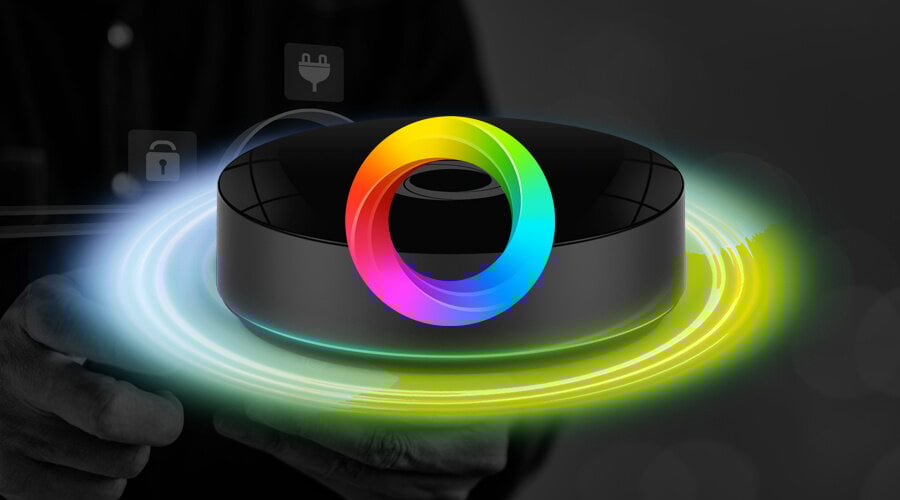
An example of a stable hub is the Homey Pro. This hub is compatible with WiFi, Bluetooth, Matter, Thread, Zigbee, Z-Wave, 433 MHz and infrared. This makes it suitable for more than 50,000 products from 1,000 popular brands, including EcoDim.
Installing this hub is very easy and is explained step by step in the manual and the app.
Step 2: Start with simple products, such as lighting
Now that the hub is installed, you can start installing various smart home products. If you are new to smart homes, it is best to start simple, for example with lighting. This allows you to create the network and get a feel for the hub and the products in a straightforward way.
In the case of lighting, it is often a smart choice to work with smart dimmers instead of smart light sources. With a single smart dimmer, you can control multiple regular “dumb” light sources. Since smart bulbs are very expensive per unit, this is a perfect way to save some money.
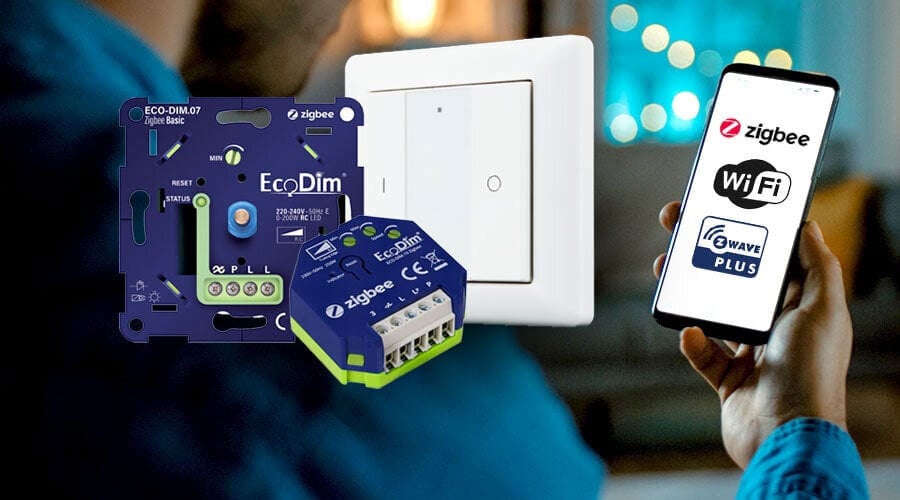
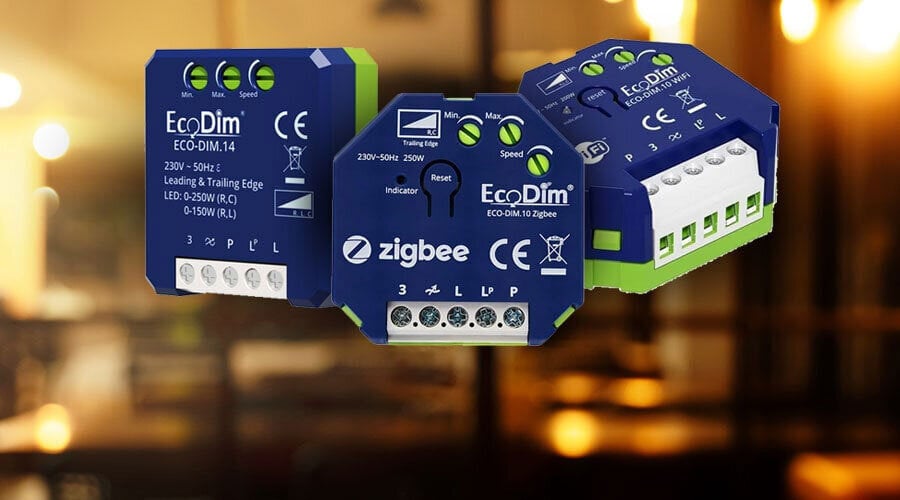
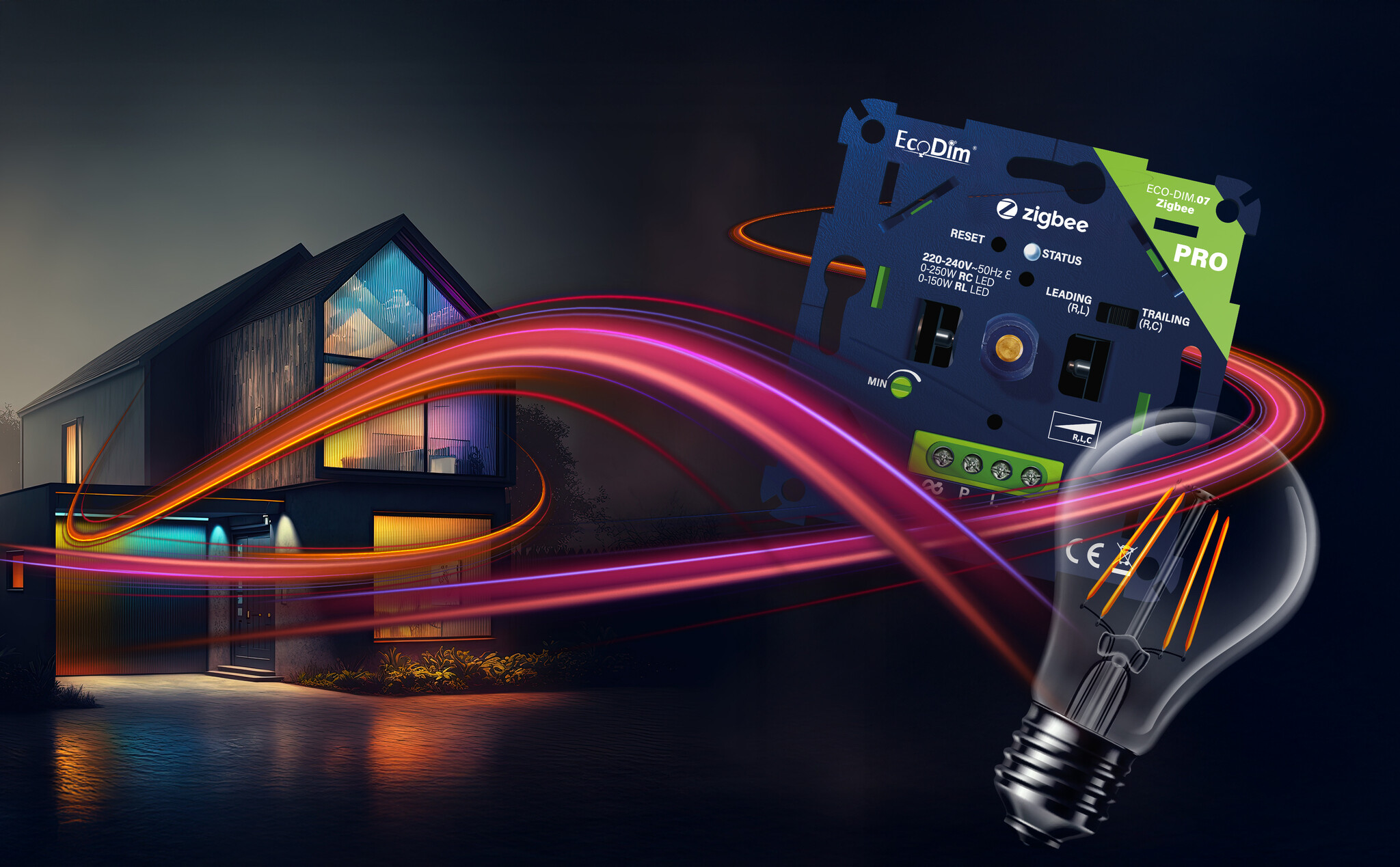
EcoDim is a stable brand in smart dimmers. They have developed a smart dimmer especially for installers/technicians: the ECO-DIM.07 PRO Zigbee. This dimmer connects in the same way as a traditional dimmer and can then be easily loaded into the smart home system app.
The ECO-DIM.07 PRO and Homey Pro can be ordered as a combination package from electrical wholesalers.
Step 3: Expand the smart home installation
Now that you have taken the first step with the smart home installation and created a network, you can start expanding the installation with other smart products. You can do this by installing smart home products yourself as an installer and/or by letting your customer purchase and connect smart home products themselves (with remote assistance if necessary).
As an installer, you can first expand the smart home installation with products such as smart thermostats, switches, security systems, doorbells, etc. This allows you to make the entire installation smart.
The customer can then continue with smart home options according to their own wishes. The customer can purchase simpler products such as smart robot vacuum cleaners, smart sensors, smart plugs, etc. If the customer is unable to figure it out, you, as an installer, can always provide remote support with Homey for Installers. This is a programme that allows you to manage the smart home installations of all your customers when necessary.
Step 4: Automate with Flows
Once the smart home installation is complete and the desired products have been loaded into the system, you can start automating. Within Homey, you can make products work together using Flows. You can have one event trigger another event.
Below are two examples using the ECO-DIM.07 PRO LED dimmer:
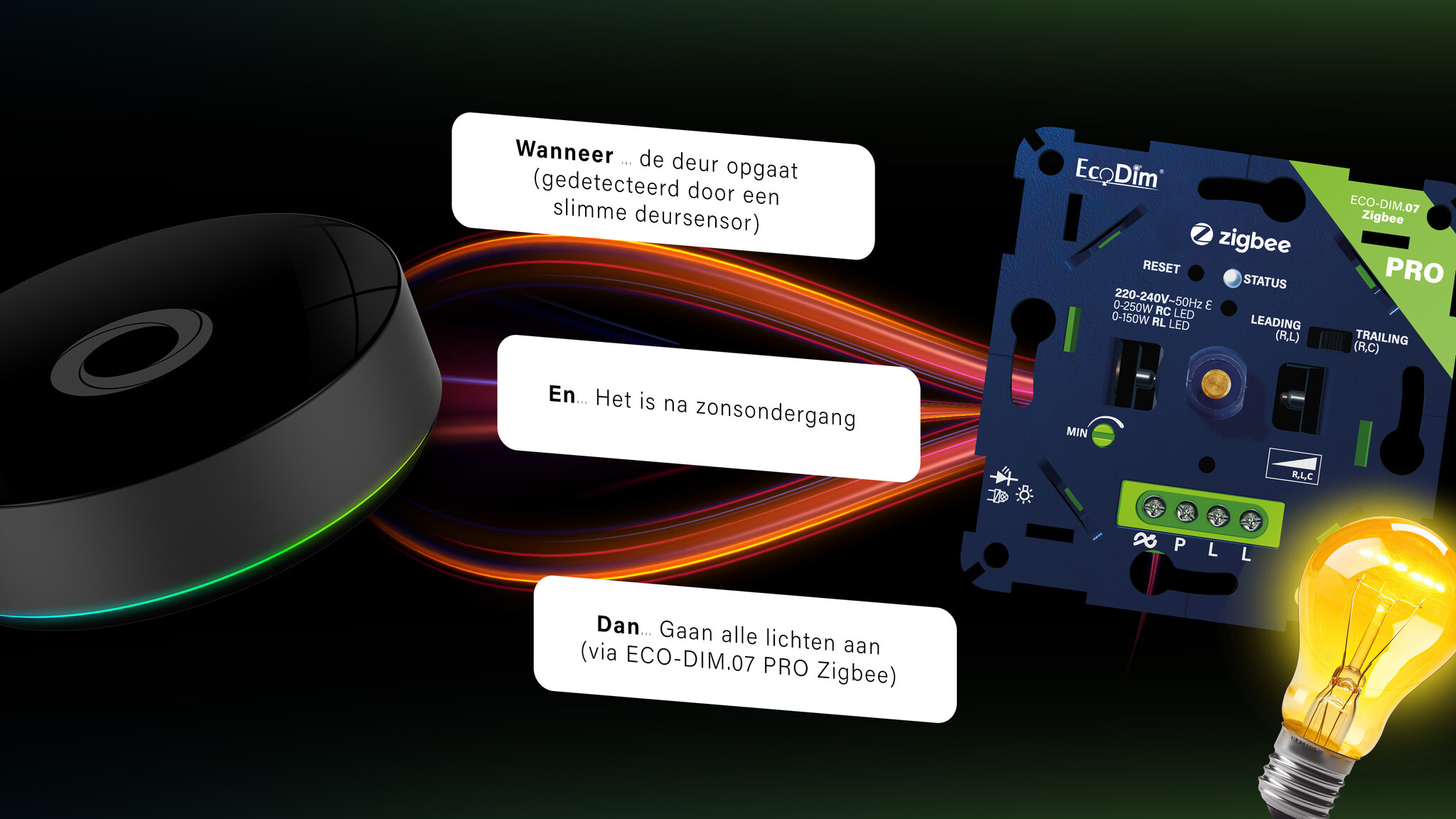
Flow 1 (lights on):
- When... the door opens (detected by a smart door sensor)
- And... it is after sunset
- Then... all lights turn on (via ECO-DIM.07 PRO)
Flow 2 (energy saving):
- When... the last person leaves
- Then... switch off all lights (via ECO-DIM.07 PRO)
- Then... set the temperature to 15 ºC (via smart thermometer)
And so there are endless possibilities for Flows with different smart home products. You can also set up various scenes to create certain atmospheres in your home with just one click.
Getting started
So if you are an installer who wants to move with the times and start offering smart home installations in a simple way, now you know how. The Homey Pro and ECO-DIM.07 PRO are now available from electrical wholesalers in various combination packages for installers.
Comments
Be the first to comment...